
Uncategorized
Common electric fan problems and simple home repairs
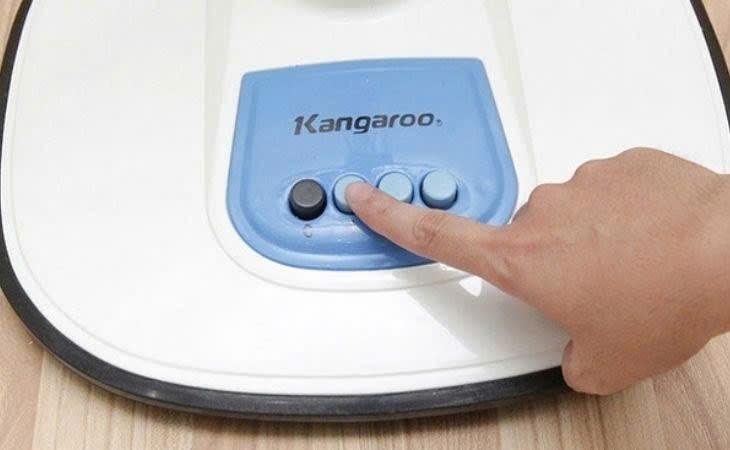
Electric fans are a staple in almost every household. However, after prolonged use, they can encounter issues such as failing to spin, making loud noises, or overheating. Don’t worry! This article will help you identify the causes and guide you through simple repairs right at home.
1. Fan does not run when powered on
Causes:
Overloaded or unstable power source.
Faulty control switch.
Blown fuse, or a loose/broken power cord connection.
Voltage is incompatible with the fan's specifications.
Faulty control switch.
Blown fuse, or a loose/broken power cord connection.
Voltage is incompatible with the fan's specifications.
How to fix:
Try plugging the fan into a different outlet or use another device to test the current outlet.
Check the fuse, power cord, and control switch to see if they are broken, loose, or damaged.
Ensure the fan is connected to the correct voltage level.
If the fan still doesn't work, disconnect the power and carefully inspect the internal wiring connections.
Check the fuse, power cord, and control switch to see if they are broken, loose, or damaged.
Ensure the fan is connected to the correct voltage level.
If the fan still doesn't work, disconnect the power and carefully inspect the internal wiring connections.
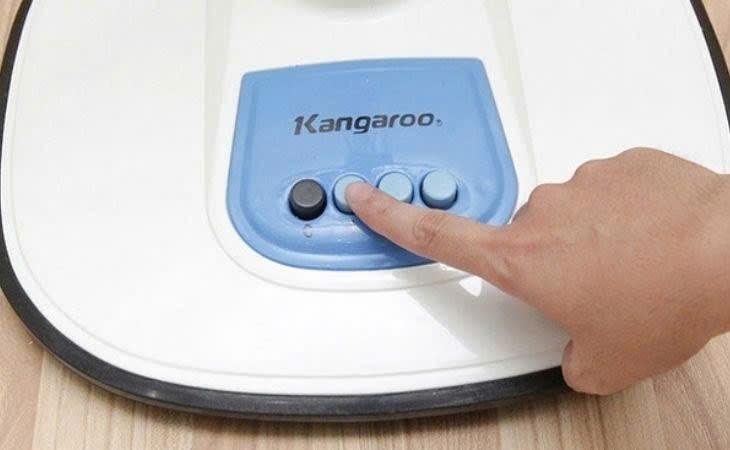
2. Malfunctioning speed adjustment buttons
Causes:
Buttons are worn out due to long-term use.
Dust or rust has accumulated on the contacts, blocking the electrical signal.
High friction makes the buttons stuck, difficult to press, or hard to turn.
Dust or rust has accumulated on the contacts, blocking the electrical signal.
High friction makes the buttons stuck, difficult to press, or hard to turn.
How to fix:
Spray a lubricant (such as WD-40) into the button crevices to clean out dust and rust.
Press and release the button repeatedly to help it operate more smoothly.
If the button is excessively worn, replace it with a new one to ensure stable operation.
Press and release the button repeatedly to help it operate more smoothly.
If the button is excessively worn, replace it with a new one to ensure stable operation.
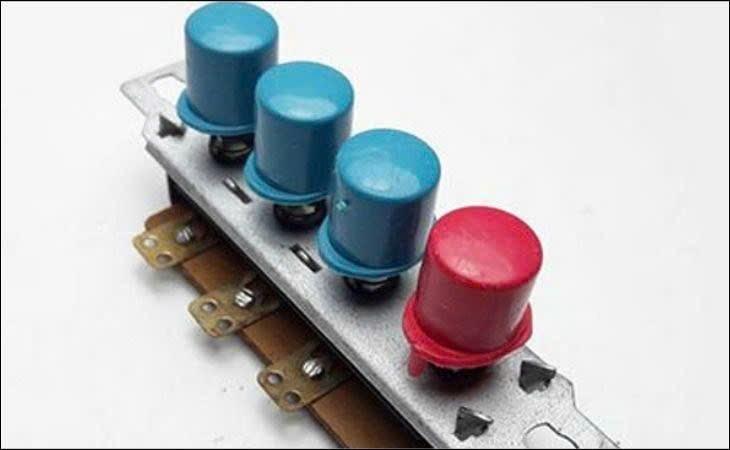
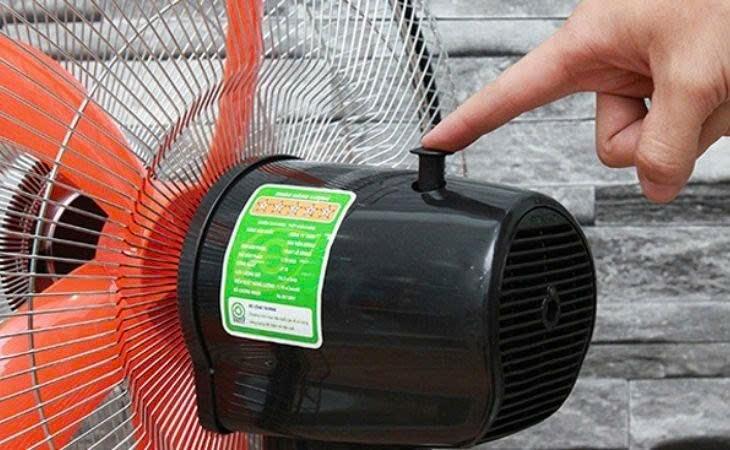
3. Broken oscillation knob
Causes:
Using excessive force when adjusting the fan's direction.
The material of the knob (usually plastic) becomes brittle and breaks after long-term use.
The internal rotation mechanism is jammed, putting high pressure on the knob and causing damage.
Strong impact or dropping the fan causes the knob to break or fall off.
The material of the knob (usually plastic) becomes brittle and breaks after long-term use.
The internal rotation mechanism is jammed, putting high pressure on the knob and causing damage.
Strong impact or dropping the fan causes the knob to break or fall off.
How to fix:
If it is simply loose, tighten the screws or adjust it gently.
If the knob is snapped, it must be replaced to restore the fan's ability to oscillate.
Avoid using excessive force when adjusting the fan to prevent breakage.
Apply grease to the internal gears to help the rotation mechanism operate more smoothly.
If the plastic housing of the oscillation gearbox is damaged, you may need to replace the knob or the entire oscillation assembly.
If the knob is snapped, it must be replaced to restore the fan's ability to oscillate.
Avoid using excessive force when adjusting the fan to prevent breakage.
Apply grease to the internal gears to help the rotation mechanism operate more smoothly.
If the plastic housing of the oscillation gearbox is damaged, you may need to replace the knob or the entire oscillation assembly.
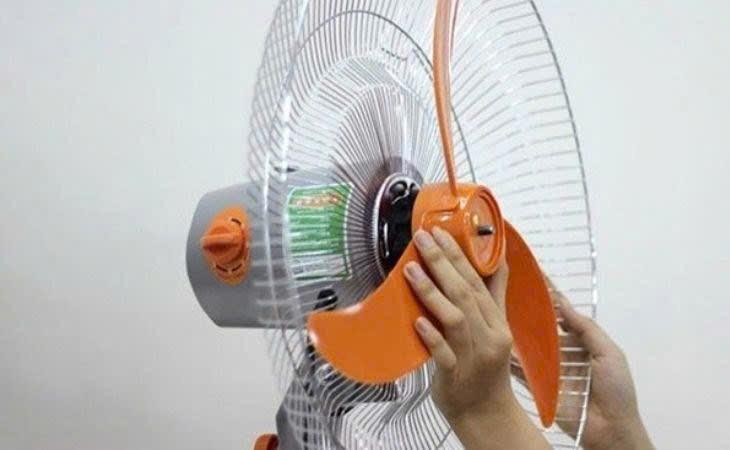
4. Fan blade falls off the shaft
Causes:
Long-term rotation causes the motor shaft to wear down, reducing its grip on the fan blade.
Improper installation allows the blade to slip off during operation.
Improper installation allows the blade to slip off during operation.
How to fix:
Install a new rotor shaft to ensure the fan blade is held securely.
If you do not have repair expertise, bring the fan to a warranty center or repair shop to ensure safety.
If you do not have repair expertise, bring the fan to a warranty center or repair shop to ensure safety.
Understanding these common issues and how to fix them at home helps you save costs and extend the lifespan of your device. If the damage is severe, contact a professional to ensure safety. Don't forget to clean your fan periodically to maintain peak performance. Additionally, if you require faster and more convenient cooling, an air conditioner is also a worthy option to consider.